- Home
- Industries
- Agriculture
Farm time tracking for seasonal workers, even offline
NoBadge is a time tracking app for farms and growers. Each field becomes a GPS site with a radius wide enough to cover it, workers clock in from their phone even where there is no signal, and staff without a smartphone use a PIN kiosk on a shared tablet. You pay €5,04 a month only for each person who clocks in, so the bill follows the harvest.
Why hours are hard to record on a farm
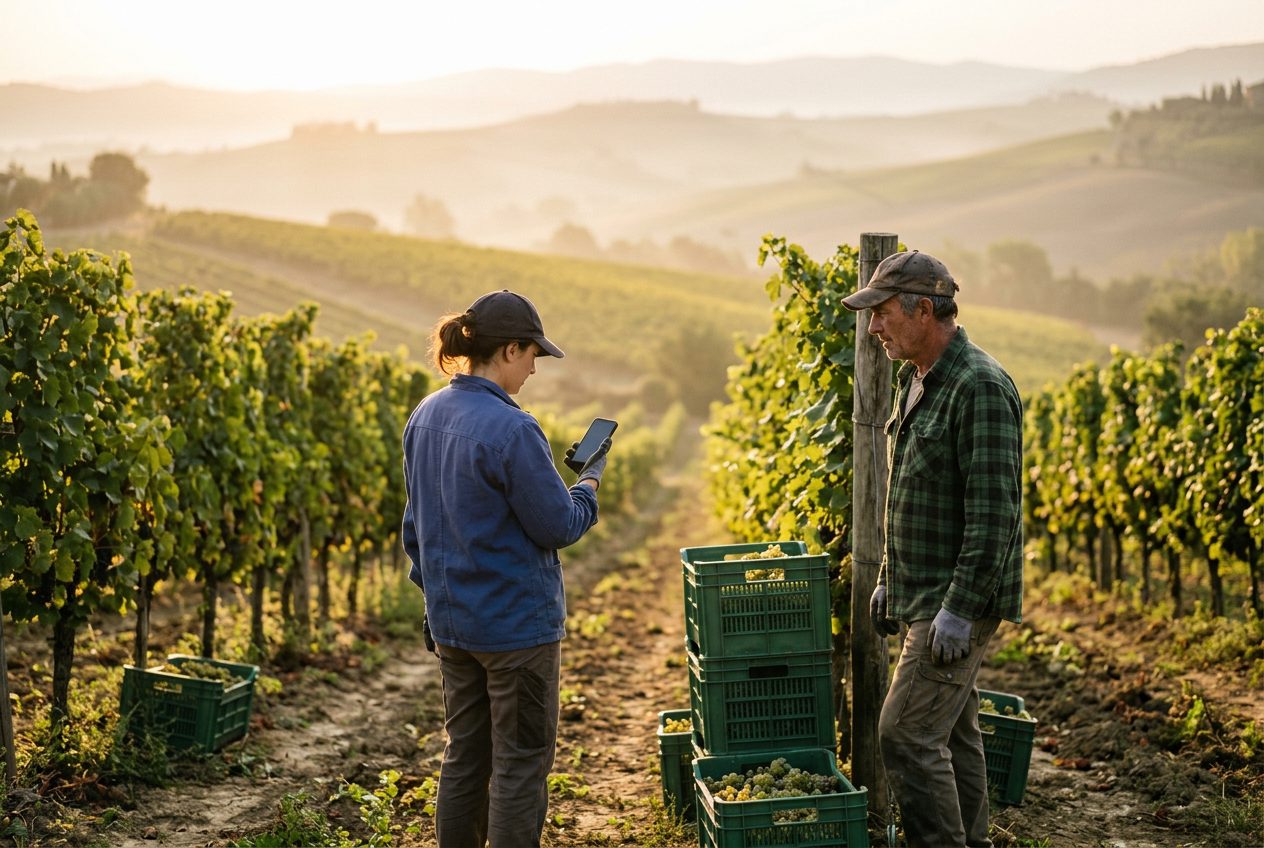
Crews spread over several fields, seasonal workers who change every few weeks, patchy signal and a paper sheet that comes back to the office at the end of the week.
Workers spread across fields
There is no gate to clock in at. The crew starts in one field and finishes in another, and the hours are written up later.
No signal at the far end
Apps that need a connection fail exactly where the work happens: in the orchard, the polytunnel or the valley field.
Seasonal staff who change
Pickers join for the harvest and leave weeks later. Some have no smartphone, and every name needs its hours for pay.
Fields as GPS sites, with a kiosk at the farm office
With GPS time tracking, the field itself is the clock-in point. A shared tablet at the farm office or the packhouse covers everyone without a phone.
Create each field as a site
Place the site on the map and set a radius wide enough to cover the whole field. Wider areas suit fields, yards and car parks.
Workers clock in with one tap
From their own phone, in the browser. A clock-in outside the field area is refused, so hours are tied to the place of work.
No signal? It is saved anyway
The GPS clock-in is saved on the phone with the phone's time and sent automatically when the connection returns. The app needs to have been opened online once.
A PIN kiosk for staff without a phone
A shared tablet at the farm office or packhouse, where each worker types a personal PIN. No location is recorded.
Which clock-in mode for each job on the farm
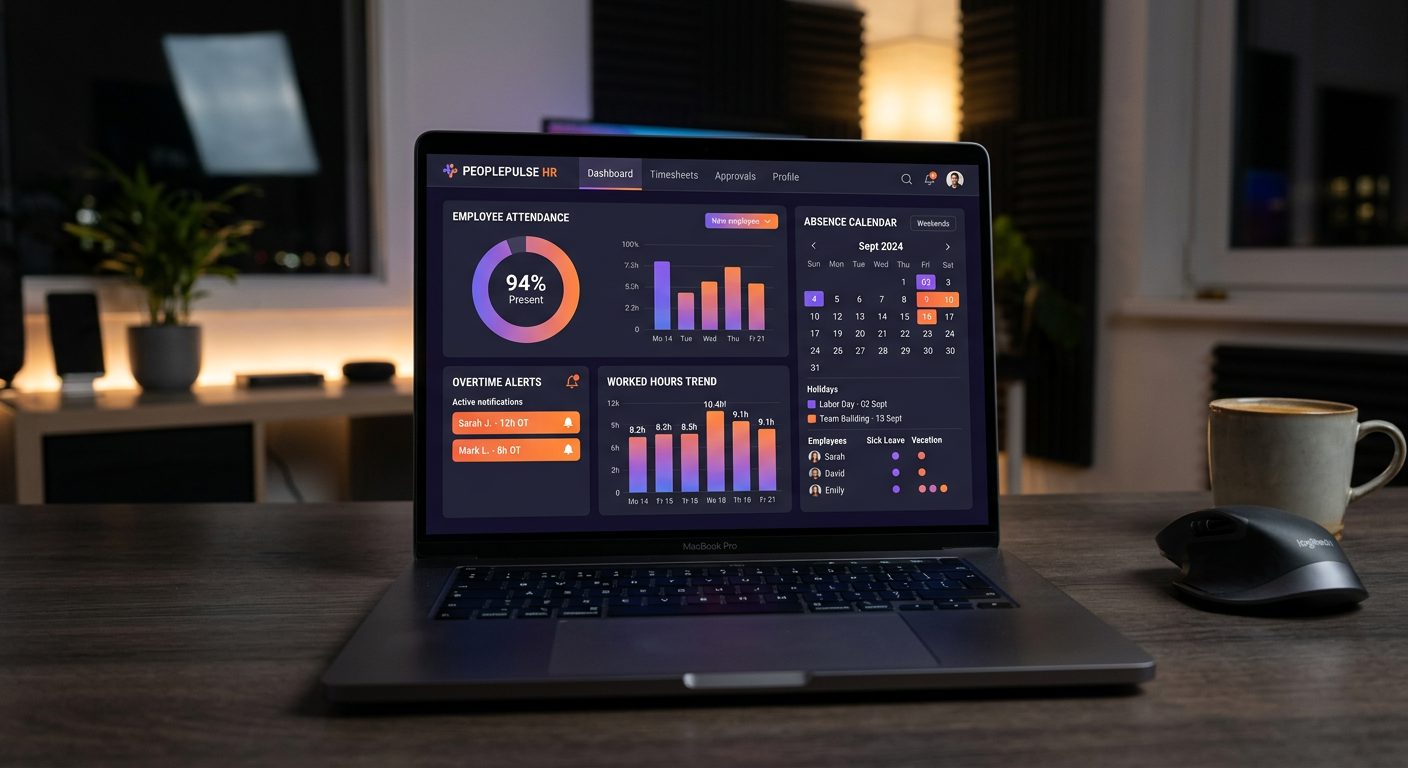
Modes are set per site and per person, so the field crew, the packhouse and the workers without a smartphone can each use the one that fits.
| Who | Clock-in mode | Why it fits |
|---|---|---|
| Pickers and field crews with a smartphone | GPS with a wide area for each field | No gate needed; works without signal and sends the clock-in later |
| Seasonal workers without a smartphone | PIN kiosk on a shared tablet | Each worker types a personal PIN at the farm office; no location is recorded |
| Packhouse and cold store staff | QR kiosk at the packhouse entrance | One door for everyone; the code changes every few seconds and needs a connection |
| Tractor drivers moving between fields | GPS with a site for each field | Clock in at the field where the day starts; position stored only at entry and exit |
| Farm office | QR kiosk or GPS | The same records and reports as the rest of the team |
Offline clock-in works with GPS, not with the QR code or the PIN kiosk: place kiosks where there is Wi-Fi or mobile data.
Built for a workforce that grows with the harvest
NoBadge cuts attendance admin by around 70%, from about 10 hours a week to 2–3 hours, for a 20–30 person business.
Seasonal staff in minutes
Invite workers with a link by WhatsApp or email. NoBadge runs in the phone browser, with no app store download.
Shift planning
Shift templates per department, crews assigned in bulk, and staff notified on their phone when you publish.
Hours and overtime
Overtime calculated automatically by your company's rules, with rounding and weekly contract hours.
Unlimited fields and sites
Every field, orchard or packhouse is a site with its own area or kiosk and its own reports, at no extra cost.
Six languages
The NoBadge interface is available in six languages, which helps crews from different countries.
Excel for payroll
The monthly report with hours, overtime and absences per worker and per site, in one click.
Seasonal workers and working time on the farm
Under the Working Time Regulations 1998, UK employers must keep records adequate to show the 48-hour average weekly limit is respected, and keep them for two years. Casual and seasonal staff are workers too, with the same rights to rest, breaks and paid holiday.
- Reference period: for agriculture, the 48-hour average can be calculated over up to 26 weeks instead of 17, which helps with harvest peaks
- Rest and breaks: 11 consecutive hours' rest between working days and a 20-minute break when the day is longer than 6 hours
- Pay records: you need the hours actually worked to show that you pay at least the National Minimum Wage. In Scotland and Wales, agricultural wages orders add their own rules
- Across the EU: the ECJ ruling C-55/18 requires a system that records daily working time for every employee
A general overview, not legal advice. Read the Working Time Regulations UK guide and check specific cases with an employment adviser.

Farm time tracking pricing: the bill follows the harvest
No annual licence for staff who work six weeks a year. Example: off-season, 4 permanent staff clock in, €20,16; in the harvest month, 40 people clock in, €201,60.
€5,04
per active user / month · all features · billed monthly
Your bill follows your team, month by month
Nobody clocks in that month? You pay €0.
- GPS clock-in with geofence per site
- Dynamic QR code clock-in
- Leave, sick days and absence management
- Live dashboard and one-click Excel export
- Unlimited sites, EU servers, GDPR compliant
No credit card · No contract · 50+ employees? Ask for custom pricing
Farm time tracking: frequently asked questions
Each field becomes a NoBadge site on the map, with a radius wide enough to cover it. Workers open NoBadge on their phone and tap Clock in. NoBadge compares the position with the field area, and a clock-in outside the site area is refused. Staff without a smartphone use the PIN kiosk on a shared tablet.
Yes, with GPS clock-in. Without a connection, the clock-in is saved on the phone with the phone's time and sent automatically when the signal returns, or with Sync now. The app must have been opened online at least once. The QR code and the PIN kiosk need a connection, so place kiosks where there is Wi-Fi or mobile data.
Use the PIN kiosk. A shared tablet at the farm office, yard or packhouse lets each worker type a personal PIN to clock in and out. The kiosk records no location. You can mix modes: pickers with a phone clock in by GPS in the field, the others at the kiosk.
No. With GPS clock-in, NoBadge stores the position only at the moment of clocking in and out, never during the working day. The PIN kiosk and the QR code store no GPS position at all. Data is kept on EU servers, in line with the GDPR.
Invite them with a link by WhatsApp or email: NoBadge is a Progressive Web App that opens in the browser of any Android phone or iPhone, with no app store download. The interface is available in six languages. Workers who leave simply stop clocking in and stop costing anything.
€5,04 per active user per month, all features included. You pay after the month, only for people who clocked in: 4 permanent staff off-season cost €20,16, 40 people in the harvest month cost €201,60, and a month with nobody clocking in costs €0. See the pricing page.
More industries, features and help
Construction
GPS clock-in with a geofence per site, saved on the phone when there is no signal.
Time tracking for constructionHospitality & restaurants
A QR code at the staff door, with hours and overtime totalled automatically.
Time tracking for hospitalityCleaning companies
A GPS site for every client location, with hours per client and per cleaner.
Time tracking for cleaningManufacturing
A QR code on a screen at the gate, with overtime calculated automatically.
Time tracking for manufacturingLogistics & warehouses
A QR kiosk at each warehouse entrance and GPS clock-in at the depot for drivers.
Time tracking for logisticsRetail & shops
One QR or PIN kiosk per shop, with shifts published straight to staff phones.
Time tracking for retailHealthcare & care homes
Shift planning, a QR or PIN kiosk at the staff entrance and leave approved in the app.
Time tracking for care homesEvents & catering
A GPS site for every venue and a QR kiosk at the staff entrance.
Time tracking for eventsProfessional services & offices
A QR code at the office door and free clock-in for hybrid work.
Time tracking for officesHome care & social services
A GPS site for each client's home, with no tracking between visits.
Time tracking for home careSecurity services
GPS or a QR kiosk at every guarded site, with 24/7 rotas.
Time tracking for securityAll industries
Compare the clock-in modes and see which one fits each kind of workplace.
Time tracking by industryTurn your first field into a clock-in point today.
Create your account, invite your team and see the first clock-in in under 2 minutes. Free trial, no credit card, no hardware.
No contract · Cancel anytime · EU hosted · GDPR compliant