- Home
- Industries
- Security services
Security guard time tracking for 24/7 sites
NoBadge is time tracking software for security companies. Guards clock in at each guarded site by GPS, or scan a QR code at the gatehouse that changes every few seconds. 24/7 rotas are planned and published to phones, and forgotten clock-outs are closed automatically with a notice to admins, at €5,04 a month per person who clocks in.

Why guarding hours are hard to keep straight
Your guards work at your clients' sites, often alone, at any hour. The control room should not spend the night chasing who arrived for the next shift.
Many sites, few people on each
Office blocks, car parks, warehouses and building sites, with one or two guards per site and no supervisor at the gate.
Rotas around the clock
Nights, weekends and bank holidays, with relief guards covering sickness at short notice and handovers that must not leave a gap.
Hours questioned by clients
Handwritten timesheets make it hard to show the hours worked at each site. Manual totals carry an error rate of around 15%.
A site for every client, a clock-in for every shift
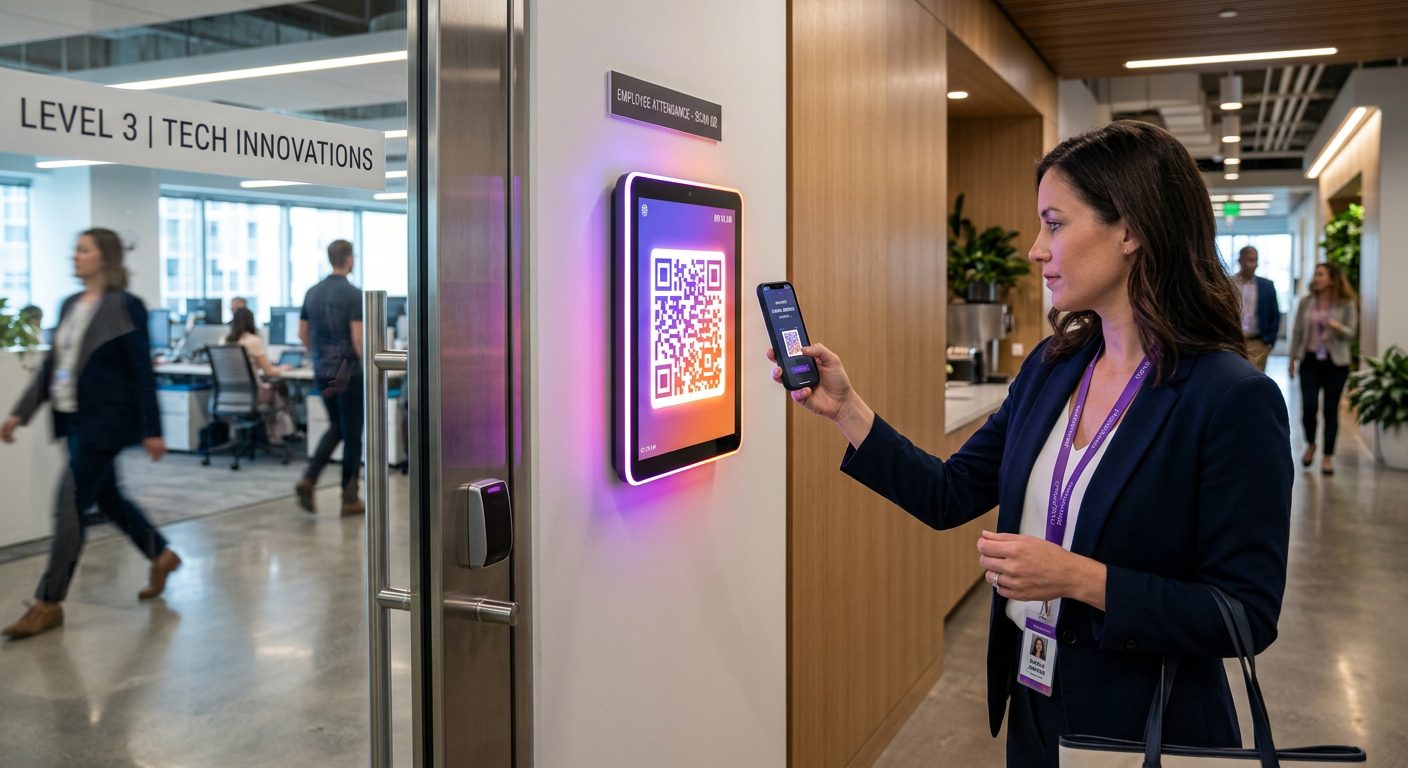
Each guarded location is a site in NoBadge, with GPS time tracking on the guard's phone or a QR code time clock in the gatehouse.
Create each guarded site
Enter the address and set the area: 50–100 m for a building in town, wider for car parks, industrial estates and building sites.
Choose GPS or a gatehouse kiosk
With GPS, a clock-in outside the site area is refused. Where there is a gatehouse or reception desk, a tablet runs the QR kiosk instead.
Plan and publish the rota
Shift templates per department, shifts assigned one by one or in bulk, a week cloned for repeating patterns, and guards notified on their phone.
Close the day and export
Forgotten clock-outs are closed automatically with a notice to admins. Hours and overtime per guard and per site go to Excel in one click.
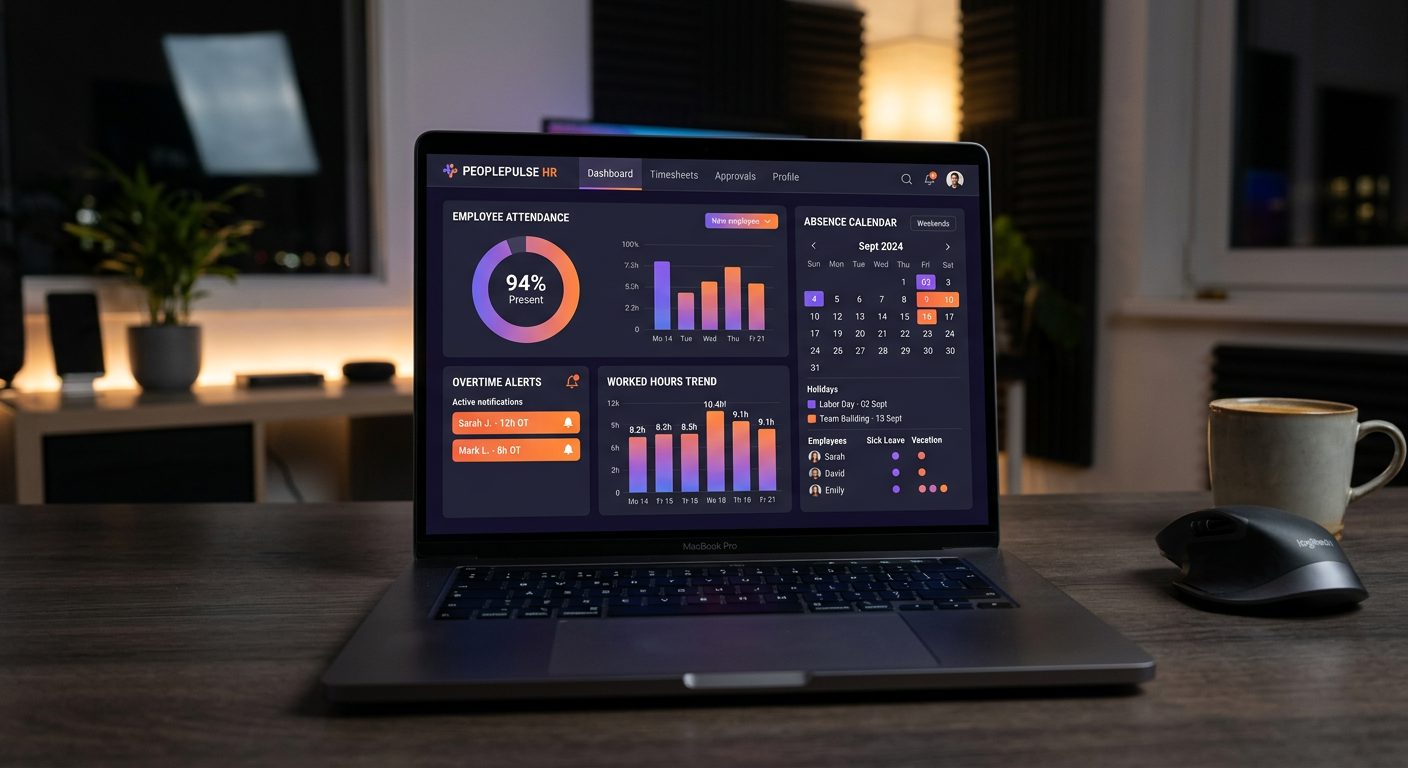
Which clock-in mode for each kind of guarded site
Modes are set per site and per person, so a gatehouse, an open car park and a reception desk can each use the one that fits.
| Who | Clock-in mode | Why it fits |
|---|---|---|
| Static guards at a site with a gatehouse | QR kiosk on a tablet in the gatehouse | The code changes every few seconds, so a photo of it sent to someone else soon stops working |
| Guards at open sites | GPS with the site area | Car parks and building sites have no desk for a tablet; a clock-in outside the area is refused |
| Relief guards covering several sites | GPS at each site they cover | One account, every site; hours are split per site in the report |
| Concierge and reception staff | QR kiosk or PIN kiosk at the desk | A fixed desk with Wi-Fi; the PIN kiosk suits staff who do not use their own phone, and records no location |
NoBadge records when each guard starts and finishes work at a site. It does not track patrol routes or checkpoints, and it is not a lone-worker alarm.
24/7 rotas without the night-time phone calls
NoBadge cuts attendance admin by around 70%, from about 10 hours a week to 2–3 hours, for a 20–30 person team.
Shift planning
Day, night and weekend shifts from templates, assigned in bulk and published to guards' phones with a notification.
Change requests approved
A guard asks to change or cancel a shift in the app; the manager approves or rejects it.
Reminders and alerts
Push reminders to clock in at the times you choose, and optional alerts to admins at each clock-in.
Forgotten clock-outs closed
Days left open are closed automatically and admins get a notice. The admin corrects the time, with a note.
Overtime calculated
Hours and overtime totalled automatically by your company's rules; night and weekend premiums stay with your payroll.
Site managers
A site manager can handle the hours of one site without full admin access.
Long shifts, night work and rest for guards
Under the Working Time Regulations 1998, UK employers must keep records adequate to show the 48-hour average weekly limit and the night-work limits are respected, and keep them for two years. Night workers must not work more than 8 hours on average in each 24.
- Security work as a special case: for security activities that need a permanent presence, some rest and night-work rules can be varied, but guards must then get equivalent compensatory rest
- 48-hour opt-out: a guard can agree in writing to work more than 48 hours a week on average, and can cancel that agreement
- Every shift on the record: start and finish times from each clock-in, nights included, with corrections only by the admin, with a note
- Across the EU: the ECJ ruling C-55/18 requires a system that records daily working time for every employee
A general overview, not legal advice. Read the Working Time Regulations UK guide and check specific cases with an employment adviser.
Security guard time tracking pricing: pay only for who clocks in
Relief guards who do not work this month cost nothing. Example: 30 guards clock in, €151,20; in a month with 4 extra relief guards, 34 people, €171,36.
€5,04
per active user / month · all features · billed monthly
Your bill follows your team, month by month
Nobody clocks in that month? You pay €0.
- GPS clock-in with geofence per site
- Dynamic QR code clock-in
- Leave, sick days and absence management
- Live dashboard and one-click Excel export
- Unlimited sites, EU servers, GDPR compliant
No credit card · No contract · 50+ employees? Ask for custom pricing
Security guard time tracking: frequently asked questions
Each guarded location is a site in NoBadge. At open sites, guards tap Clock in on their phone and the GPS position is checked against the site area: outside it, the clock-in is refused. Where there is a gatehouse or reception desk, a tablet runs the QR kiosk, with a code that changes every few seconds.
Yes. You create shift templates per department, assign day, night and weekend shifts one by one or in bulk, clone a week to repeat a pattern and publish: guards are notified on their phone. When a guard needs a change, they send a request in the app and the manager approves or rejects it.
Days left open are closed automatically and admins get a notice, so a missing clock-out does not run on for days. The admin corrects the time, and every correction is saved with a note. You can also send push reminders to clock in at the times and days you choose.
No. NoBadge records when each guard starts and finishes work at a site, with the GPS position at clock-in and clock-out only. It does not track patrol routes, does not scan checkpoints during a patrol and does not raise lone-worker alarms. Use a dedicated system for those alongside NoBadge.
Yes. Every clock-in belongs to a site, so hours and overtime are totalled per guard and per site. Export the month to Excel in one click and share the hours for each client's site, alongside your own invoice.
€5,04 per active user per month, all features included. You pay after the month, only for people who clocked in: 30 guards cost €151,20; a month with 4 extra relief guards, 34 people, costs €171,36. See the pricing page.
More industries, features and help
Construction
GPS clock-in with a geofence per site, saved on the phone when there is no signal.
Time tracking for constructionHospitality & restaurants
A QR code at the staff door, with hours and overtime totalled automatically.
Time tracking for hospitalityCleaning companies
A GPS site for every client location, with hours per client and per cleaner.
Time tracking for cleaningManufacturing
A QR code on a screen at the gate, with overtime calculated automatically.
Time tracking for manufacturingLogistics & warehouses
A QR kiosk at each warehouse entrance and GPS clock-in at the depot for drivers.
Time tracking for logisticsRetail & shops
One QR or PIN kiosk per shop, with shifts published straight to staff phones.
Time tracking for retailAgriculture & farms
Fields as wide GPS sites, offline clock-in and a PIN kiosk for staff without a smartphone.
Time tracking for agricultureHealthcare & care homes
Shift planning, a QR or PIN kiosk at the staff entrance and leave approved in the app.
Time tracking for care homesEvents & catering
A GPS site for every venue and a QR kiosk at the staff entrance.
Time tracking for eventsProfessional services & offices
A QR code at the office door and free clock-in for hybrid work.
Time tracking for officesHome care & social services
A GPS site for each client's home, with no tracking between visits.
Time tracking for home careAll industries
Compare the clock-in modes and see which one fits each kind of workplace.
Time tracking by industryAdd your first guarded site and publish the rota in 2 minutes.
Create your account, invite your team and see the first clock-in in under 2 minutes. Free trial, no credit card, no hardware.
No contract · Cancel anytime · EU hosted · GDPR compliant