- Home
- Industries
- Professional services
Office time tracking for professional services firms
NoBadge is time tracking software for law firms, accountants, agencies and small offices. Staff scan a QR code at the office entrance that changes every few seconds, or use free clock-in on remote days, which records no position in the current app. Leave, flexible hours and overtime sit in one place, at €5,04 a month per person who clocks in.

Why offices lose track of hours
In a ten-person firm nobody wants a badge reader at reception. Yet hours, overtime and time off still have to be recorded somewhere, and email is not a system.
Hybrid weeks on trust
Two days in the office, three at home, a morning at a client's. Hours are guessed at the end of the month or not recorded at all.
Leave in email threads
Holidays, half days and a couple of hours off for an appointment are asked for by email and tracked in a spreadsheet only one person updates.
Deadline weeks, no totals
Year-end, tax season or a big pitch mean long days. Without records, extra hours are neither paid, given back as time off, nor checked against working time limits.
A QR code at the door, free clock-in at home
A QR code time clock needs no hardware beyond a screen you already own, and the rest of the week is covered from the employee's phone or browser.
Turn a screen at reception into a QR kiosk
An old tablet, a PC or a spare phone shows the code, which changes every few seconds. Staff scan it with their own phone; QR clock-ins store no GPS position.
Allow free clock-in for remote days
Per person, you enable clock-in from anywhere for hybrid or remote work. There is no site check, and the current app records no position.
Set your hour rules once
Ordinary hours, weekly contract hours, rounding, for example to the quarter hour, overtime thresholds and a time bank if you use one.
Approve leave and hours off
Full days or hours off are requested from the phone and approved by the manager. A forgotten clock-in becomes a request the manager approves.
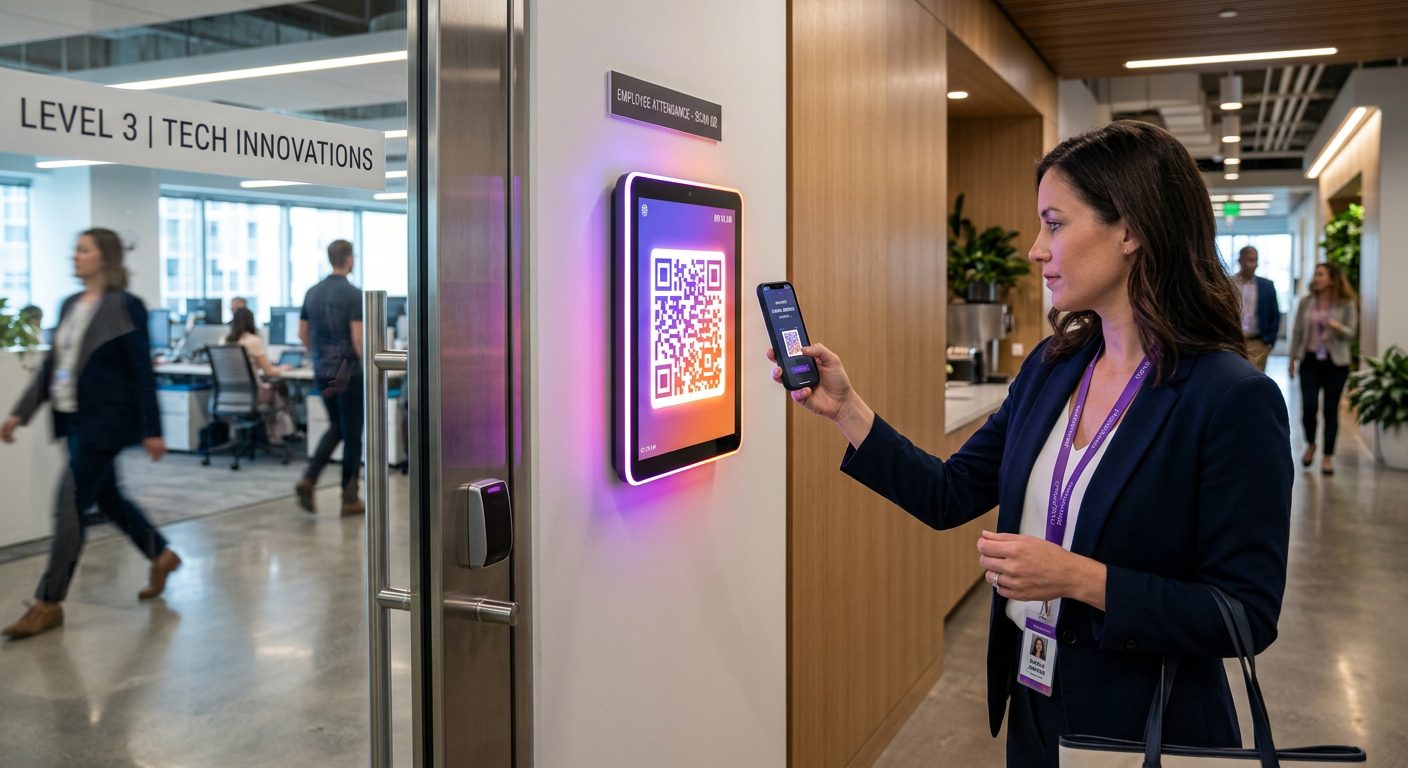
Which clock-in mode for each way of working
Modes are set per site and per person, so one person can use the QR code in the office and free clock-in at home.
| Who | Clock-in mode | Why it fits |
|---|---|---|
| Staff working in the office | QR kiosk at the entrance | One scan on the way in and out; the code changes every few seconds, so a photo of it soon stops working |
| Hybrid and remote staff | Free clock-in | Clock in from home or a train, with no site check; the current app records no position |
| Partners and staff at client meetings | Free clock-in | Time spent out of the office is recorded without asking where the client is |
| Staff based at a regular client's premises | GPS with a site for that address | A clock-in outside the site area is refused; the position is stored only at entry and exit |
| Staff who prefer not to use their own phone | PIN kiosk at reception | They type a personal PIN on a shared tablet; no location is recorded |
The QR scan needs a connection. Free clock-ins made without signal are saved on the phone with the phone's time and sent when the connection returns.
Light to run, complete enough for payroll
NoBadge cuts attendance admin by around 70%, from about 10 hours a week to 2–3 hours, for a 20–30 person firm.
Leave and permits
Holidays, sickness and hours off, as full days or by the hour, requested from the phone and approved by the manager, with push notifications.
Flexible hours, your rules
Rounding per entry and exit or per day, overtime thresholds and weekly contract hours, calculated automatically. A calculator shows the steps.
Time bank
Where you use one, extra hours go into a time bank and can be taken later as time off, recorded as its own absence type.
Payslips and documents
Send payslips, policies and announcements to staff in the app instead of by email attachment.
Excel export
Hours, overtime and absences for the month in one Excel file for payroll, in one click.
For accountants: partner access
Accountants and payroll advisers can be set up as partners to see client companies' hours, reports and Excel exports, and to upload payslips.
Working time, flexible working and privacy
Office staff are covered by the Working Time Regulations 1998 like anyone else. UK employers must keep records adequate to show the 48-hour average weekly limit is respected, and keep them for two years.
- 48-hour opt-out: a worker can agree in writing to work more than 48 hours a week on average, and can cancel that agreement. Records of hours still matter
- Flexible working: since April 2024 employees can ask for flexible working from their first day. Free clock-in records remote days without a separate process
- UK GDPR and EU GDPR: collect only what you need. QR clock-ins store no position, free clock-in in the current app records none, and GPS stores the position only at entry and exit
- Across the EU: the ECJ ruling C-55/18 requires a system that records daily working time for every employee
A general overview, not legal advice. Read the Working Time Regulations UK guide and the GDPR and time tracking guide.
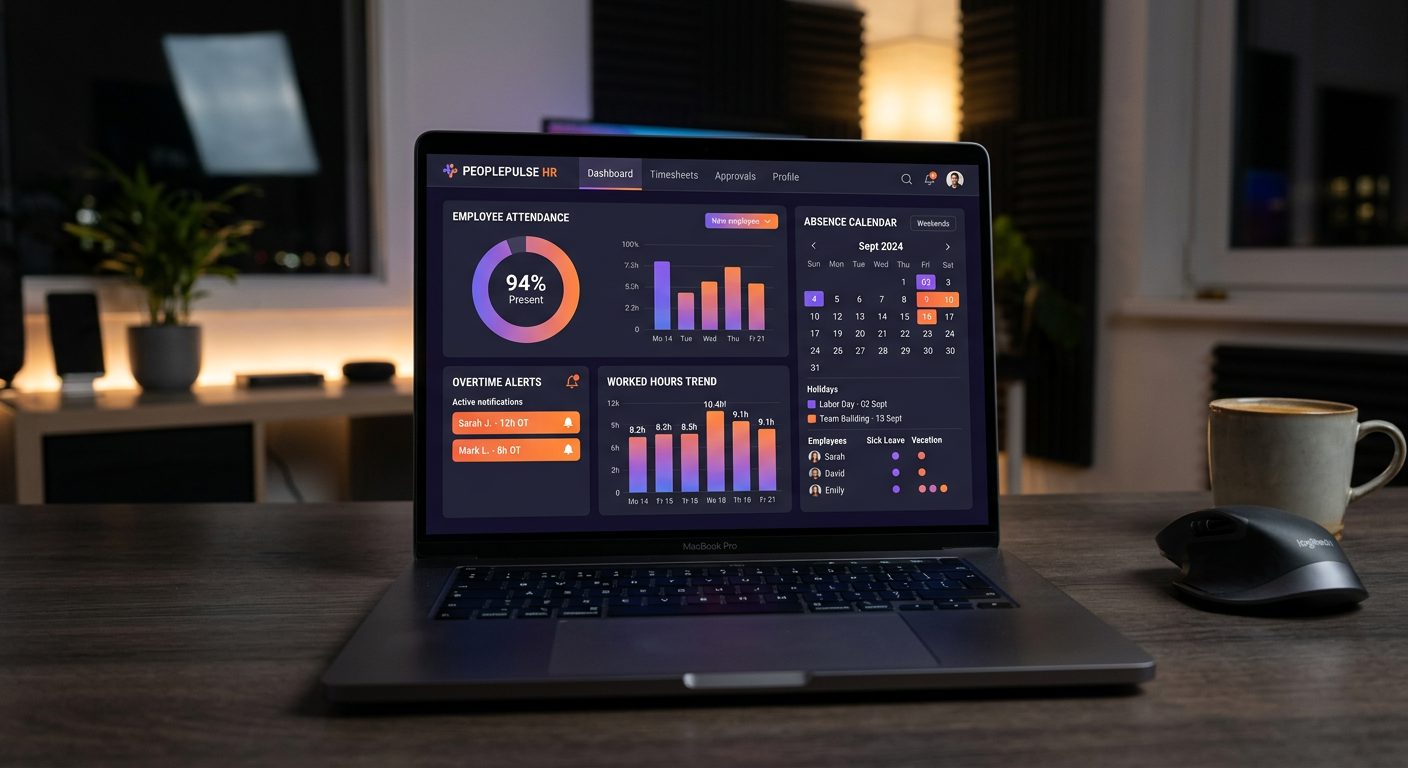
Office time tracking pricing: pay only for who clocks in
Anyone who does not clock in during the month is not billed. Example: 12 people clock in, €60,48; in August only 9 are in, €45,36.
€5,04
per active user / month · all features · billed monthly
Your bill follows your team, month by month
Nobody clocks in that month? You pay €0.
- GPS clock-in with geofence per site
- Dynamic QR code clock-in
- Leave, sick days and absence management
- Live dashboard and one-click Excel export
- Unlimited sites, EU servers, GDPR compliant
No credit card · No contract · 50+ employees? Ask for custom pricing
Office time tracking: frequently asked questions
A tablet, PC or spare phone at the entrance runs the NoBadge QR kiosk. The code changes every few seconds, and staff scan it with their own phone on the way in and out. QR clock-ins store no GPS position. Staff who prefer not to use their own phone can type a personal PIN on a PIN kiosk.
Yes. For hybrid or remote staff you enable free clock-in, which works from anywhere with no site check. In the current app, free clock-in records no position. Without a connection, the clock-in is saved on the phone with the phone's time and sent when the signal returns.
No. Free clock-in in the current app records no position, and QR clock-ins store none either. Where you use GPS for a fixed site, the position is stored only at clock-in and clock-out, never during the day. Data is kept on EU servers, in line with the UK GDPR and the EU GDPR.
Yes. You set ordinary hours, weekly contract hours, rounding per entry and exit or per day, and overtime thresholds. Extra hours can go into a time bank and be taken later as time off. A calculator shows how each day's total was worked out, and the month goes to Excel in one click.
Staff request holidays, sickness or hours off, as full days or by the hour, from their phone. The manager approves or rejects with one tap and the employee gets a push notification. A forgotten clock-in becomes a request the manager approves. See leave management.
€5,04 per active user per month, all features included. You pay after the month, only for people who clocked in: 12 people cost €60,48; in August, with 9 in, €45,36. Anyone who does not clock in during the month is not billed. See the pricing page.
More industries, features and help
Construction
GPS clock-in with a geofence per site, saved on the phone when there is no signal.
Time tracking for constructionHospitality & restaurants
A QR code at the staff door, with hours and overtime totalled automatically.
Time tracking for hospitalityCleaning companies
A GPS site for every client location, with hours per client and per cleaner.
Time tracking for cleaningManufacturing
A QR code on a screen at the gate, with overtime calculated automatically.
Time tracking for manufacturingLogistics & warehouses
A QR kiosk at each warehouse entrance and GPS clock-in at the depot for drivers.
Time tracking for logisticsRetail & shops
One QR or PIN kiosk per shop, with shifts published straight to staff phones.
Time tracking for retailAgriculture & farms
Fields as wide GPS sites, offline clock-in and a PIN kiosk for staff without a smartphone.
Time tracking for agricultureHealthcare & care homes
Shift planning, a QR or PIN kiosk at the staff entrance and leave approved in the app.
Time tracking for care homesEvents & catering
A GPS site for every venue and a QR kiosk at the staff entrance.
Time tracking for eventsHome care & social services
A GPS site for each client's home, with no tracking between visits.
Time tracking for home careSecurity services
GPS or a QR kiosk at every guarded site, with 24/7 rotas.
Time tracking for securityAll industries
Compare the clock-in modes and see which one fits each kind of workplace.
Time tracking by industryPut a QR code at your office door in 2 minutes.
Create your account, invite your team and see the first clock-in in under 2 minutes. Free trial, no credit card, no hardware.
No contract · Cancel anytime · EU hosted · GDPR compliant